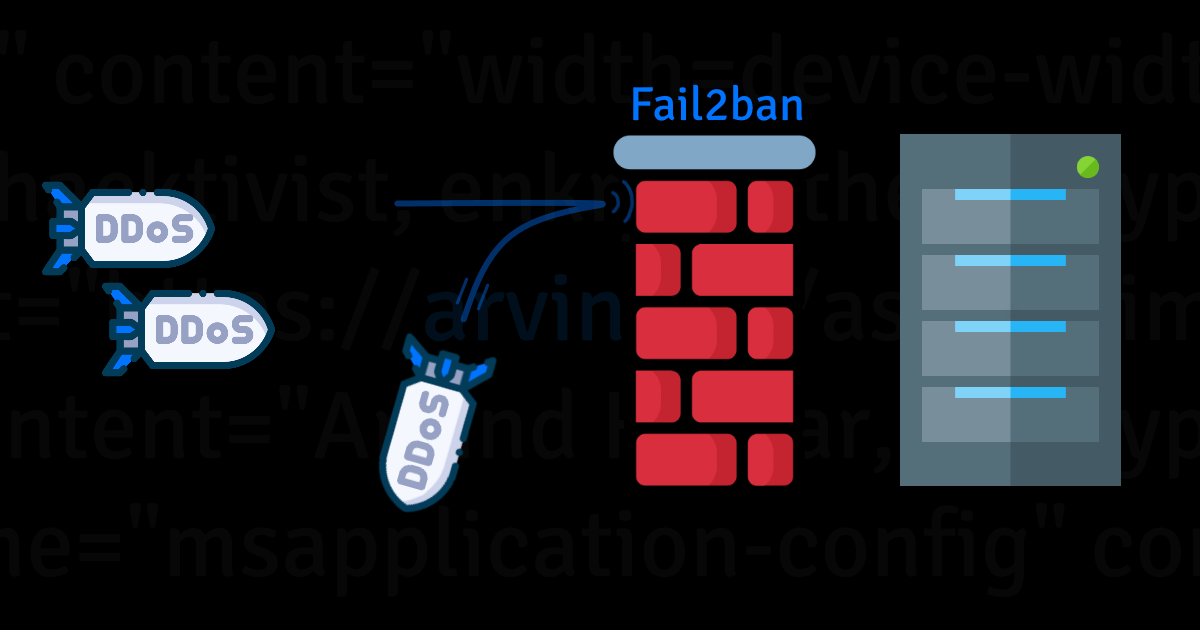
I’m wondering if I’m starting to outgrow Tailscale… my wife keeps having networking issues on Android due to Tailscale, the Nvidia Shield kills the Tailscale app randomly, and my parents’ TV doesn’t have a Tailscale app…
I feel like the time is approaching to publicly expose some of my services to the internet…
Any other tips?
You must log in or # to comment.
Exposing services to the internet is a whole other game. Try wireguard first, i never had issues and use it mostly from my tablet.
I am kinda interested in WireGuard, but how does it work with multiple non-PC devices on different networks? Tailscale runs seamlessly on my Arch laptop, but Android, TVs, and streaming sticks have hiccups from time to time.
I have services that I want to share with my non-techie family. If a service stops working, they suck at debugging and fixing the issue on their own.
Tailscale is WireGuard under the hood, if you didn’t know. It’s an overlay network that uses WireGuard to make the actual connections, and has some very clever “stuff” to get the clients actually to connect, even if behind firewalls without needing port forwarding.
Using WireGuard directly basically just changes the app you use, which may or may not help with your issues. But the connecting technology is the exact same.
Exposing stuff to the internet shouldn’t be that scary… I haven’t had any incident so far in 8 years. Yes, you see plenty of illegitimate access attempts in the logs, but if everything is properly patched, it should be OK.

Tried setting this up, caught a few already
I find it hilarious you censored the banned IPs.
Even if they are trying to hack me it’s only polite. Plus on the very remote chance they somehow find this and care they would have slightly more info about me.
I’ve had to stop using it on my Pixel. In the last few months I have more and more suddenly lost all connectivity outside of my tailscale network. I tried excluding apps but I still will randomly fail to receive SMS or calls, suddenly getting them delivered in a rush when I disconnect from tailscale.
If anyone has any tools to recommend troubleshooting the phones connection let me know. I have no idea how to learn more about the problem beyond the obvious “If tailscale isn’t on, it doesn’t happen.”
GAAH! OK! I’M NOT CRAZY!
The exact same thing is happening to my wife’s phone. We’re both on Pixel 8s, have the same VPN settings, but for some magic reason Tailscale breaks only her phone. She has to turn off Tailscale and reboot her phone to regain connectivity.
These shenanigans is why I’m considering just exposing things to the public internet. I’m using Tailscale on several device types and Tailscale adds friction to all of my devices (except Arch where everything always works).
I understand the friction is there for a good reason, but my family doesn’t. They just see that Jellyfin doesn’t work and that all of this is buggy and maybe they just should sign up for Netflix instead of dealing with all of these bugs.
Yeah, I had a overall bad experience with everything being buggy and then even devices that weren’t connected to tailscale would start trying to ping the tailnet address instead of the local (wasn’t using their funky bridge subnets feature or whatever it’s called, so I don’t know why it would happen).
Their magicDNS is cool in theory but caused me nothing but problems. Once I turned off their DNS and set up my own DNS server for it though, it’s gotten to basically be as seamless as they claim it’s supposed to be from the start. I’m no longer having any issues with it at all.
It’s always DNS.
Yes, I run many services and website on the public web from my homelab. Harden your server first. Like disabling root ssh login.
Also enable auto updates on your server. Use your router/server to block some counties using geoip (especially if those services are meant for only a couple of people within your county maybe?). You could also use block lists, there any many bad ip lists out there.
Configure rate limits in Nginx.
You also mentioned fail2ban. You can define many rules and actions. Like blocking ips that might go over your previously defined rate limits. Or 4xx action for ips that request a lot of non existing pages (404 errors) .
Also captcha won’t cut it anymore today. Try https://github.com/TecharoHQ/anubis
Of course expose only what you want to expose, so only open ports in your firewall you really want to open. Ideally put everything behind a reverse proxy like Nginx.
Let’s start with all of the things mentioned above. Ping me later if want to know more or have questions.
Harden your server first
Do you have any tutorials or guides on this handy?
Use your router/server to block some counties using geoip
Yeah, definitely all my users are in the same town/region/country as me. So this could be doable.
Configure rate limits in Nginx
Hm, currently using Caddy as my reverse proxy. I guess there’s some module for this.
only open ports in your firewall you really want to open
The only port I need open is 443 for accessing Jellyfin and Immich. I can definitely block 22 from the public internet. And fuck it no automatic redirects from 80 to 443. TLS or bust.
Do you have any tutorials or guides on this handy?
Now that’s a deeeeep rabbit hole. I tend to go overboard on hardening and security, however, one good place to start is installing Lynis and run a scan. Lynis will spit out a rather extensive list of areas you need to harden or adjust and a score for your server. It will also give links where you can go and read up on the specific item in question. Now, not every one of the bullets in the list will apply, but you should give each careful consideration. Lynis is Free and Open Source Software (FOSS).
- Site: https://cisofy.com/lynis/
- Install: apt-get install lynis
- Run:
lynis audit system
I ran a scan just for demonstration purposes so you can see what the end results are. This is just a snippet:
spoiler
  * Configure minimum password age in /etc/login.defs [AUTH-9286]
      https://cisofy.com/lynis/controls/AUTH-9286/

  * Configure maximum password age in /etc/login.defs [AUTH-9286]
      https://cisofy.com/lynis/controls/AUTH-9286/

  * Default umask in /etc/login.defs could be more strict like 027 [AUTH-9328]
      https://cisofy.com/lynis/controls/AUTH-9328/

  * To decrease the impact of a full /home file system, place /home on a separate partition [FILE-6310]
      https://cisofy.com/lynis/controls/FILE-6310/

  * To decrease the impact of a full /tmp file system, place /tmp on a separate partition [FILE-6310]
      https://cisofy.com/lynis/controls/FILE-6310/

  * To decrease the impact of a full /var file system, place /var on a separate partition [FILE-6310]
      https://cisofy.com/lynis/controls/FILE-6310/
Be mindful of where you get your hardening tutorials. There are hundreds of thousands out there. I would stick with authoritative sources.
ETA: I would also recommend reading up on Cloudflare Tunnels/ZeroTrust. I know some people are iffy about Cloudflare and I see their points. It’s worth a read in my opinion.
Caddy is also fine.
I wrote a blog about server hardining and you might find it useful: https://blog.melroy.org/2023/server-hardening/